



Are you a small business owner, content creator, or just someone with a creative itch looking to design a captivating Logo for Free without breaking the bank? You’re in luck! In this step-by-step tutorial, we will explore easy-to-use tools that will unleash your creativity and help you transform your vision into a stunning logo that represents you or your brand.
Getting Started
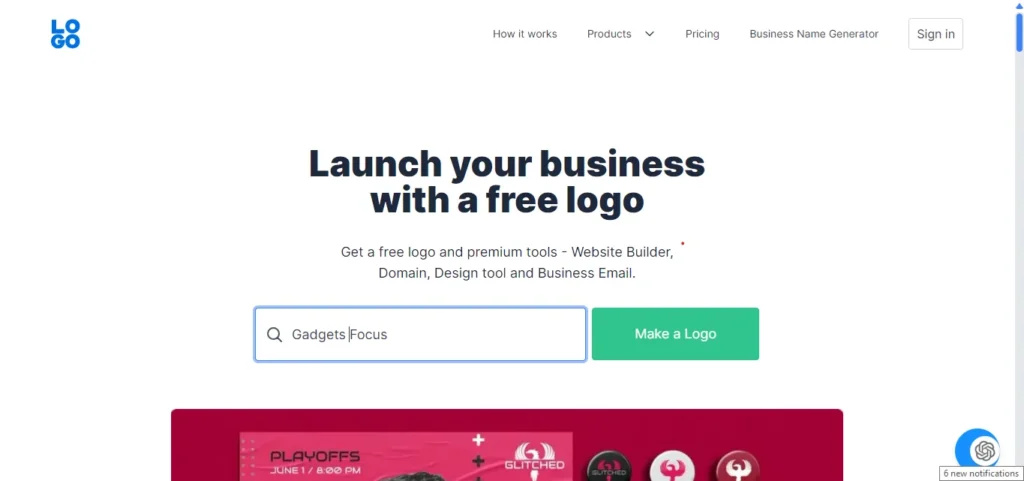
First things first, open your browser and head over to logo.com. Once you’re on the site, simply type the name of your business and click on “Make a Logo.” You can also enter a slogan (optional) and select your business type and color theme. Next, choose a font style that best fits your brand.
Customizing Your Logo
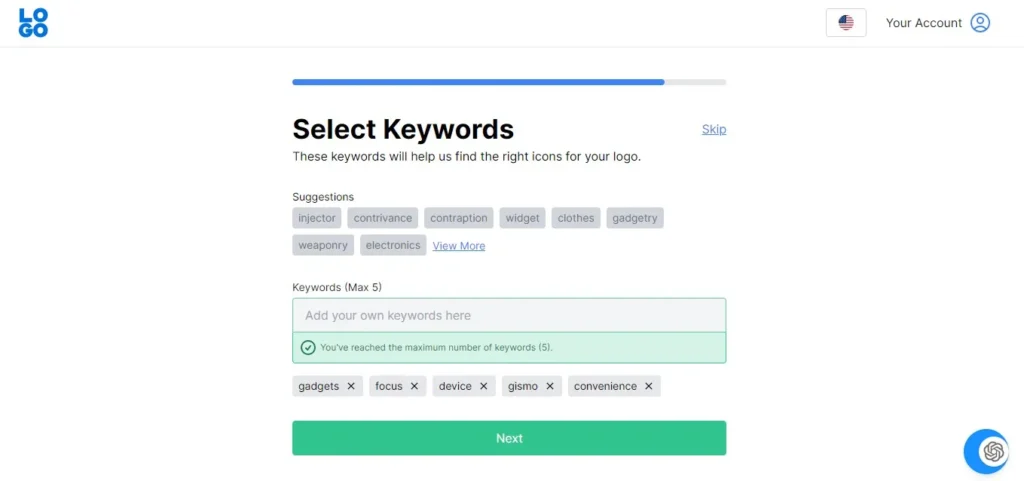
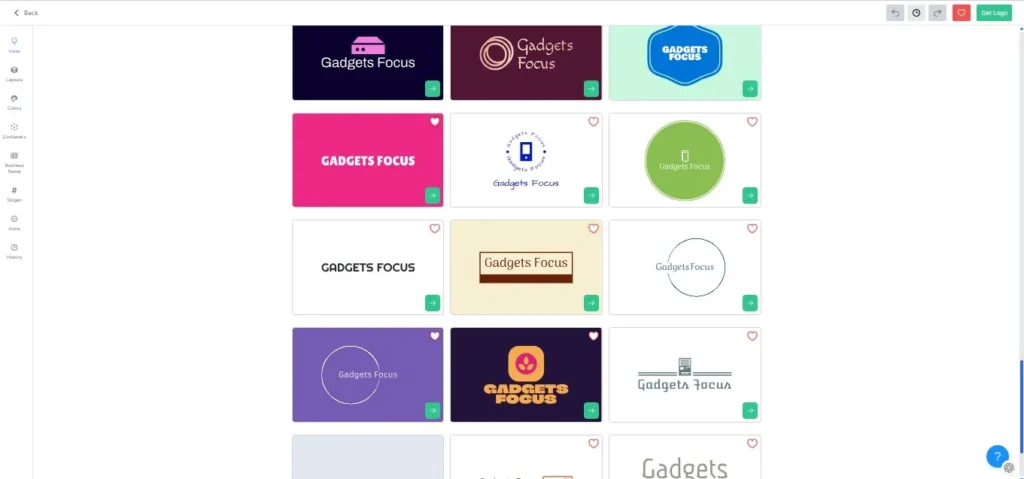
Now it’s time to get creative! Enter five keywords that represent your brand, or you can skip this step and come back to it later. After that, the system will present you with different styles of logos generated based on your input. Choose one that speaks to you, or click on the “Generate” button to see more options.
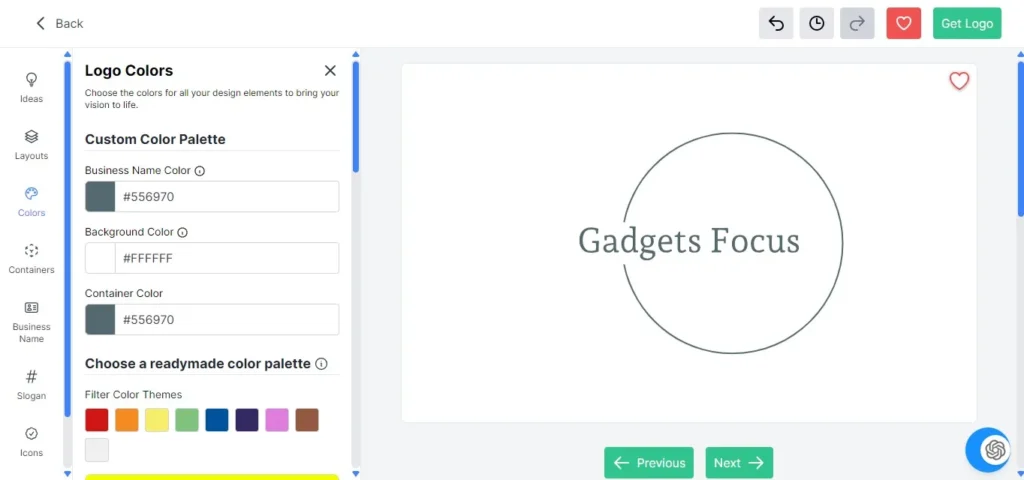
Once you’ve found the perfect design, you can further customize it by changing the layout, colors, business name, font style, and more. You can also explore different icons by entering keywords or clicking on “Get More Icons.”
Finalizing Your Logo
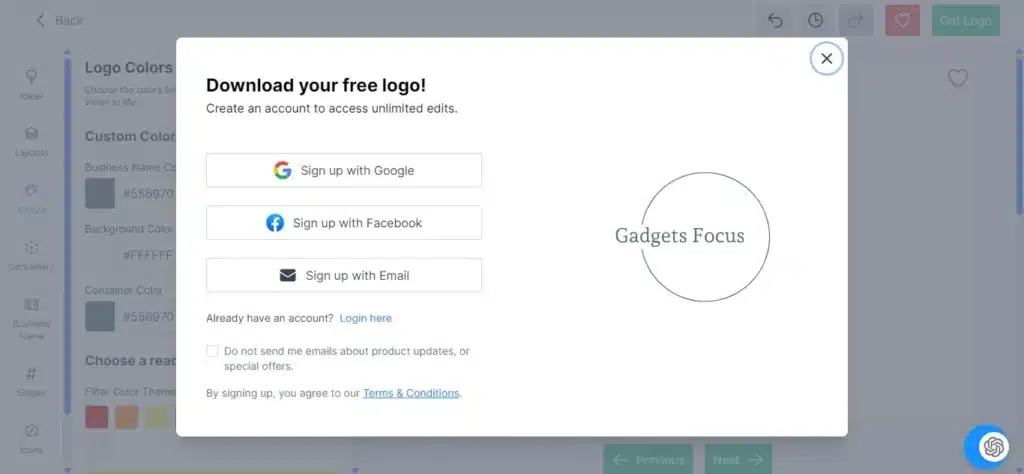
After you’ve made all the necessary edits and are satisfied with your logo design, click on “Get Logo Now.” You will be prompted to sign in with any account, enter your name, and then click on “Continue.” Finally, click on “Download” to save your logo.
You will have the option to download your logo in different formats, including PDF, PNG, and SVG. The logo will be available in white, original color with a transparent background, and black color variations.
Conclusion
And there you have it! In just a few simple steps, you have created a stunning logo for free using logo.com. Whether you’re a business owner looking to establish your brand identity or a content creator in need of a visual representation, this tutorial has equipped you with the tools to unleash your creativity and design a logo that truly reflects who you are.
Thank you for watching! If you found this tutorial helpful, please consider liking the video and subscribing to the channel for more content. Stay tuned for our next video!
Website link: Logo.com
Watch the full tutorial on YouTube
For more AI visit Gadgets Focus AI Tutorials